 Wastime
Read Wastime Journey
Wastime Journey is a story about time and about the thoughts the tools of the app grew out of. It is read page by page, from wherever you like, and the app remembers where you stopped, so you can come back to it tomorrow or in a month and pick up the same thread.
Steps
Open Wastime Journey
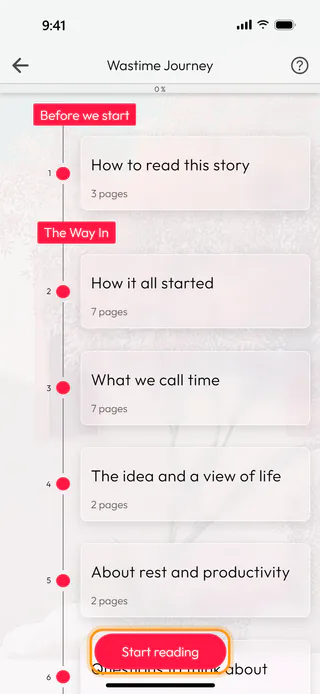
On the home screen, tap Wastime Journey, the wide tile at the top. The map shows the chapters in red and their sections under them, each with its number of pages, and the bar at the top tells how much you have read, 0 % to begin with.
Start reading
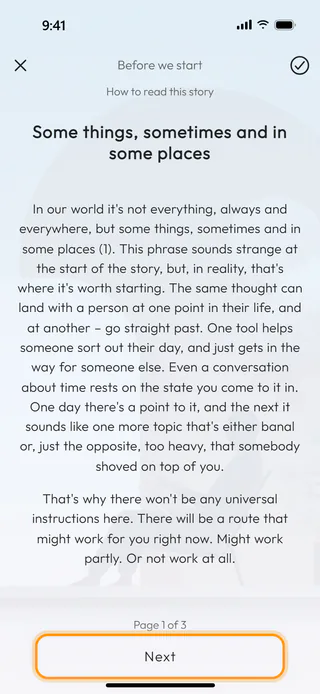
Tap Start reading at the bottom. The story opens on the first page of its first section, with the chapter and the section at the top and "Page 1 of 3" under the text.
Turn the pages
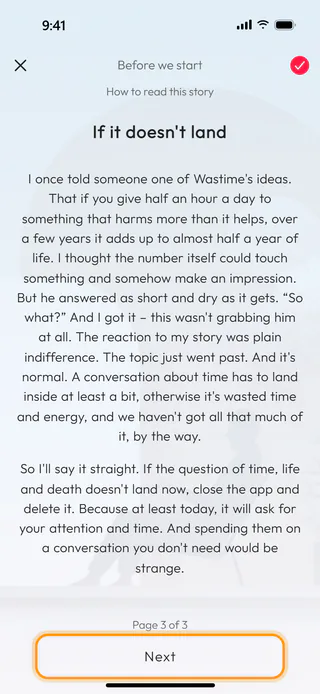
Tap Next or swipe left for the next page, and swipe right to go back. A long page scrolls inside itself, and the sections follow each other without a stop, with a title page before each new chapter. On the last page of a section the tick at the top fills in by itself, which means the section is read.
Come back where you stopped
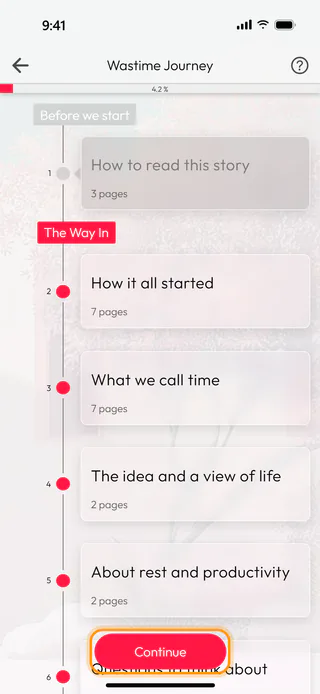
The cross in the top left corner takes you back to the map. The bar now reads 4.2 %, the section you finished has turned grey and the button at the bottom says Continue, which opens the very page you left. The place is kept when you close the app as well.
What's next
Open a section and mark it read shows how to start anywhere on the map, and Go from a chapter to its screen how a chapter leads into the part of the app it talks about.

