 Wastime
Explore a year in days
The Life calendar shows your whole life in weeks, and Ages takes a single year of it and lays it out day by day. It is the view for the moments when a week is too coarse, when you want to see exactly where a trip fell or how much of this year is already behind you.
Before you start
Ages is drawn from your birthday and your life expectancy, so both need to be in place, and Set up your life calendar walks through them.
Steps
Open Ages
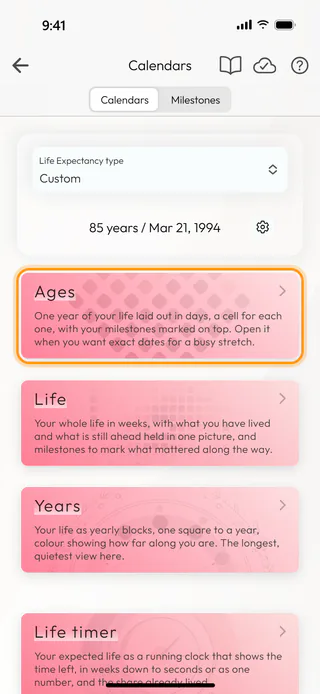
On the home screen, tap Calendars and, on the Calendars tab, tap Ages. It opens on the year of your life you are in right now.
Read the year
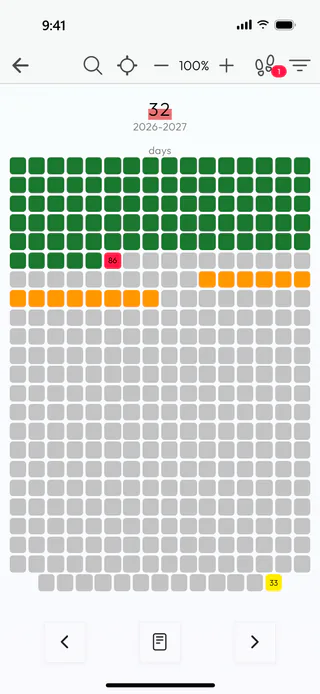
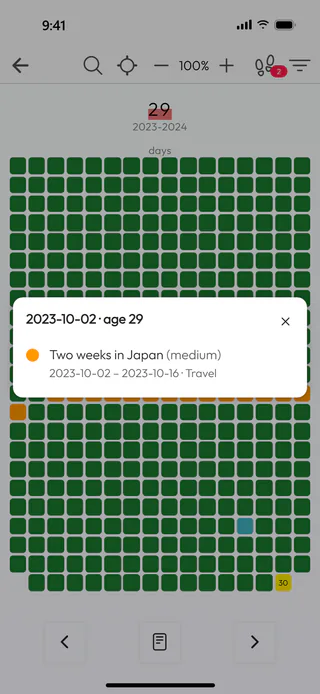
Every cell is one day, counted from your last birthday to the next one. The green days are behind you and the grey ones are still ahead. The red cell is today, and the yellow one at the very end is your next birthday, marked with the age you will turn. Days that belong to a milestone take its color. The + and − buttons at the top make the cells larger or smaller, and the app remembers the size you chose.
Check where today stands
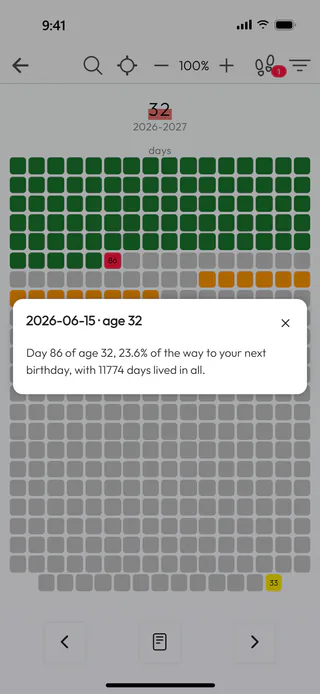
Tap the red cell. The card that opens tells you which day of your age today is, how far along you are on the way to your next birthday, and how many days you have lived in all.
Go to another age
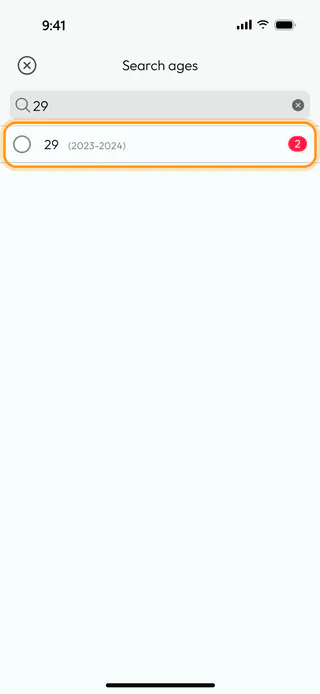
The arrows at the bottom of the screen step one year back or forward, and a swipe across the grid does the same. To jump straight to a particular age, tap the magnifier at the top, type the age into Search ages and tap it in the list. The number at the end of each row tells you how many milestones begin in that year. The target button next to the magnifier opens the Years calendar instead, where a tap on any year brings you back to Ages at that age.
See that year's milestones
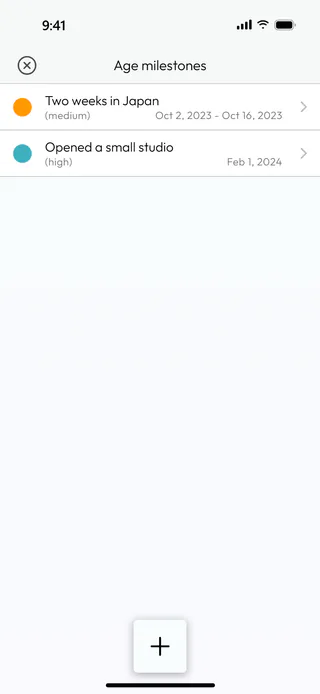
The footprints button at the top carries the number of milestones that touch the year on the screen. Tap it, and Age milestones lists them, the longest first. A tap on one opens it for editing, and the + button at the bottom adds a new milestone without leaving the year.
Look at a milestone's days
Back on the grid, tap one of the colored days. The card shows the date and your age on that day, and under it every milestone that covers the day, with its dates and its group. Only the days with a milestone and today open a card, so a tap on any other day does nothing.
What's next
A year can also hold a story of its own, and the middle button at the bottom of Ages opens it. Write an age story shows how to write one, and See your life in years steps back to the whole life, one square for each year. The Life Calendar page says more about what the calendar is for.

