 Wastime
Watch the life timer
The calendars show a life as cells, and the life timer shows it as a number that changes while you look at it. It is the slowest way to look at your time in the app, and perhaps that is what makes it worth a minute now and then.
Before you start
The timer counts from your birthday and your life expectancy, and Set up your life calendar puts them in place. It uses the same number of years as the calendars, the one chosen under Life Expectancy type on the Calendars tab.
Steps
Open the life timer
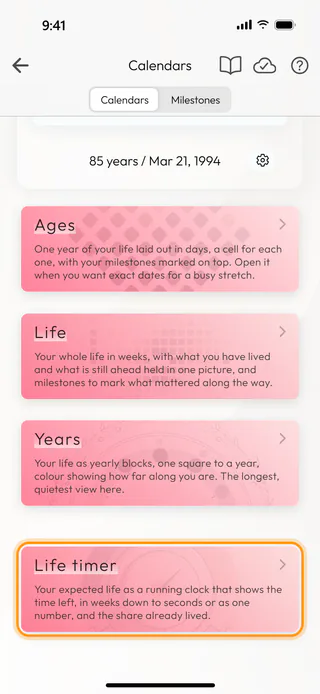
On the home screen, tap Calendars and scroll down the Calendars tab to the Life timer card, then tap it. The button with an hourglass at the top of Statistics opens the same timer, and See how much of your year has passed shows how to pull it down there.
Read what is left
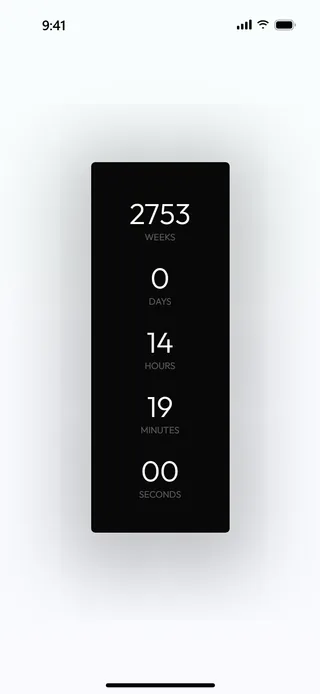
The timer opens on the time you have left until the end of your expected life, in Weeks, Days, Hours, Minutes and Seconds, with the seconds ticking away. On a phone the screen stays on while the timer is open, so you can leave it in front of you.
Swipe to the countdown in digits
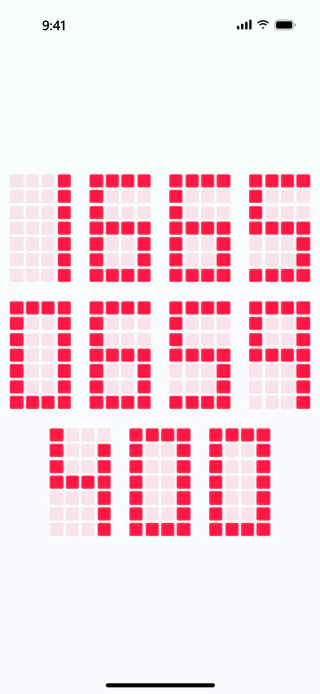
Swipe up, and the same time appears as one long number in tenths of a second. Its last digit changes ten times a second.
See the share you have lived
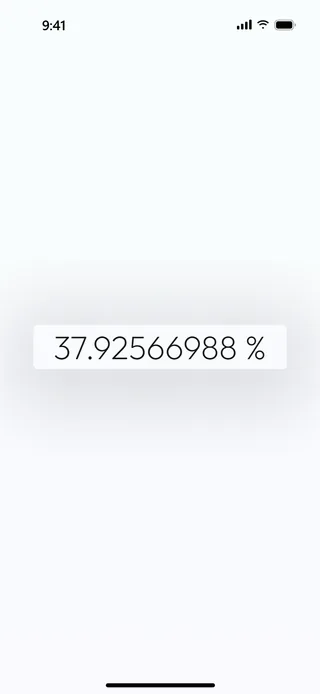
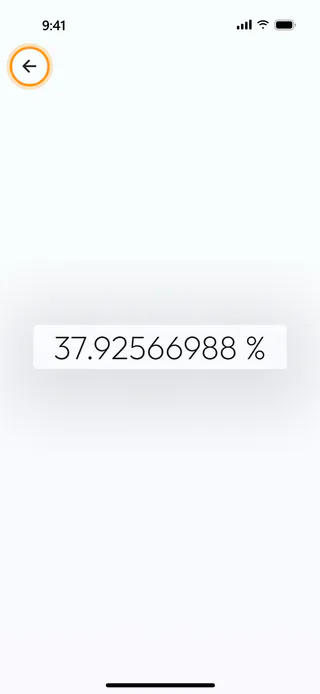
Swipe up once more to see how much of your expected life is already behind you, with eight digits after the point. A swipe down goes back to the previous view, and the timer always opens on the first one.
Leave the timer
The back arrow in the top corner hides a few seconds after the timer opens, so nothing distracts from the numbers. Touch the screen to bring it back, and tap it to leave.
Hide or bring back the timer
If you would rather not see the timer, open the menu on the home screen, tap Account and then Settings, and switch off Life timer. The card goes away from Calendars and the timer from Statistics, and the same switch brings them back.
What's next
See your life in years shows the same life one year at a time, and Count from your country's average changes the number the timer counts from. The Life Calendar page says more about what the calendar is for.

