 Wastime
Estimate your life expectancy
Your own number and the average for your country are two places to start from. The calculator adds a third, a range of years that takes into account how you live now, and saves it so you can come back to it in a year and see which way it moved.
Before you start
The calculator opens once your own number, Birthday, Sex and at least one country are filled in on the Life expectancy screen. Until then the screen says "The calculator needs a country, your birthday, your sex, and the age you're aiming for before it can run." Set up your life calendar covers the first three, and Count from your country's average shows how to pick your countries.
Steps
Open the calculator
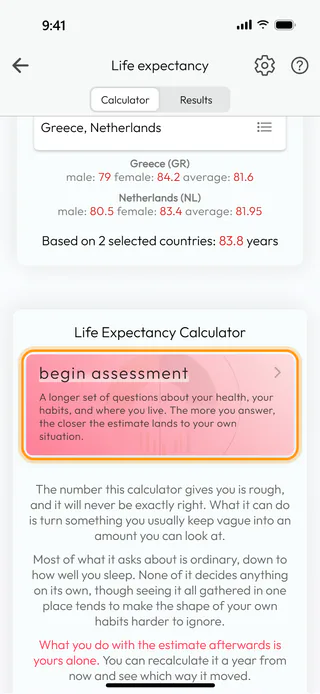
On the home screen, tap Life Expectancy. The screen opens on Calculator, and further down, under Life Expectancy Calculator, there is a card that reads begin assessment. Tap it.
Read the disclaimer and confirm
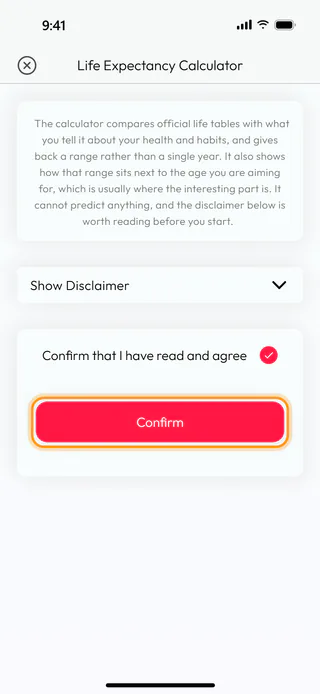
The Life Expectancy Calculator window says what the calculator can and can't do, and Show Disclaimer opens the rest. One part of it is worth knowing before you answer anything, which is that your answers and the result stay on your phone. Tick Confirm that I have read and agree, and Confirm starts the questions.
Answer the questions
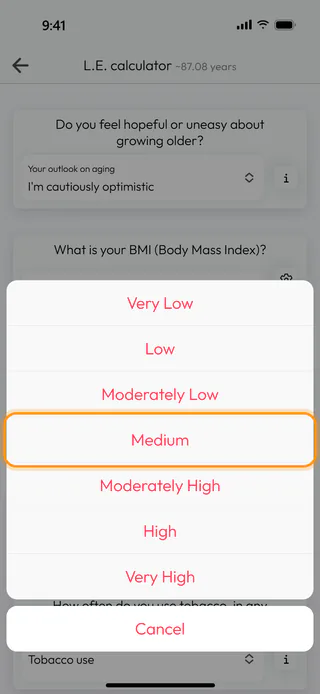
The L.E. calculator screen has ten cards, one question each. A tap on a card opens its list of answers from the bottom of the screen, with Cancel below them, and the small button beside a card explains what the question is about. After the first answer an estimate appears at the top and moves with every answer after it, here "~87.08 years" once the outlook on aging is in. Pick Medium for Stress level, or whatever is true for you.
Work out your BMI
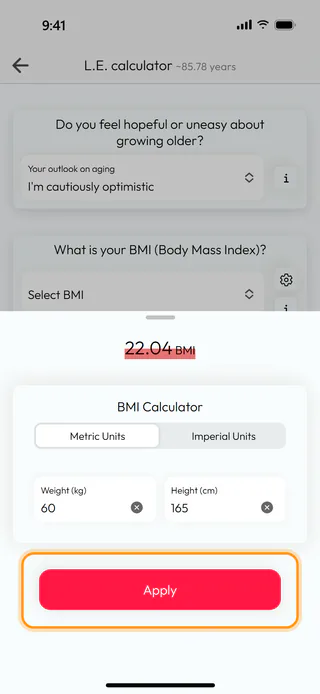
If you don't know your BMI, tap the button with a gear on the card "What is your BMI (Body Mass Index)?". In the BMI Calculator, keep Metric Units or switch to Imperial Units, and fill in Weight (kg) and Height (cm), here 60 and 165, which make 22.04. Apply picks the nearest answer in Select BMI for you.
Finish the assessment
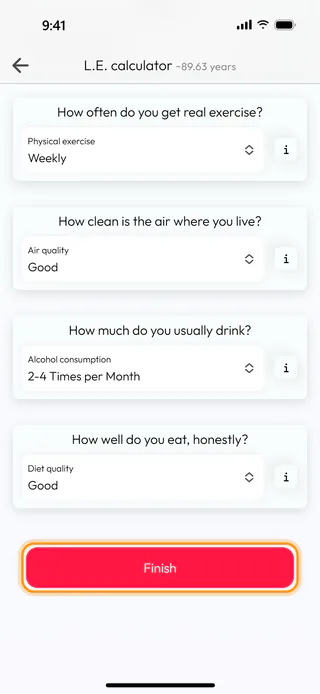
Answer the rest of the questions. Cigarettes a day only needs an answer when Tobacco use is Daily. At the bottom, tap Finish, and if an answer is still missing, the app marks the empty lists and waits for them.
Save the result
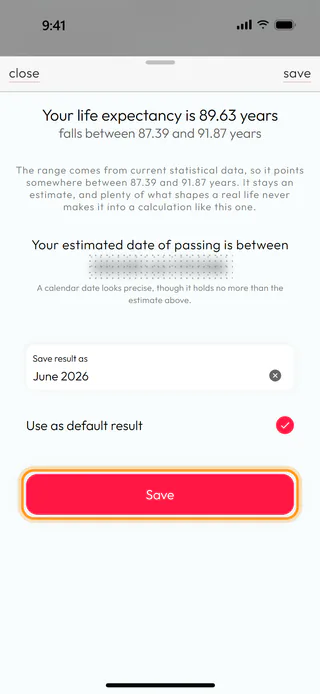
The window that opens says "Your life expectancy is 89.63 years" and that it "falls between 87.39 and 91.87 years". Below that are two dates, blurred until you tap them, so you can decide for yourself whether to look. Give the result a name under Save result as, here June 2026, tick Use as default result so the rest of the app counts from this one, and tap Save. The app answers with "Calculation saved successfully".
Find it in Results
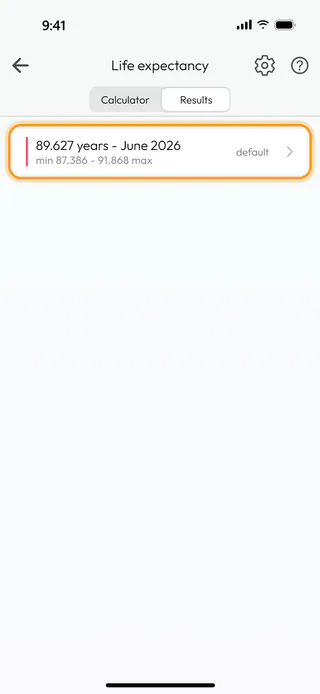
Back on the Life expectancy screen, switch to Results. The new line reads "89.627 years - June 2026", with "min 87.386 - 91.868 max" under it and "default" on the right. Every later run of the calculator adds a line of its own here.
Count your calendars from it
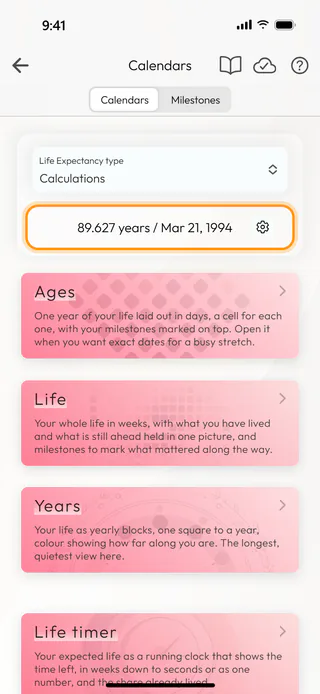
The calendars keep a choice of their own. Go back to the home screen, open Calendars, tap Life Expectancy type and choose Calculations. The line under it changes to "89.627 years / Mar 21, 1994", and the calendars now count from your default result.
What's next
Answers change as life does, and Review and update a result shows how to open a result again and adjust it. Choose the default life expectancy explains which number the Converter, Leftover and Statistics count from. The Life Expectancy page tells more about the calculator.

