 Wastime
See your life in numbers
Thirty-two years sounds like a lot and the fifty-three still ahead sound endless, and in years neither figure says much. The Life tab of Statistics counts the same life in weeks or days as well, and in those units time suddenly becomes something you can feel.
Before you start
The numbers come from your birthday and your life expectancy, so both have to be set, as Estimate your life expectancy or Set up your life calendar shows.
Steps
Open the Life tab
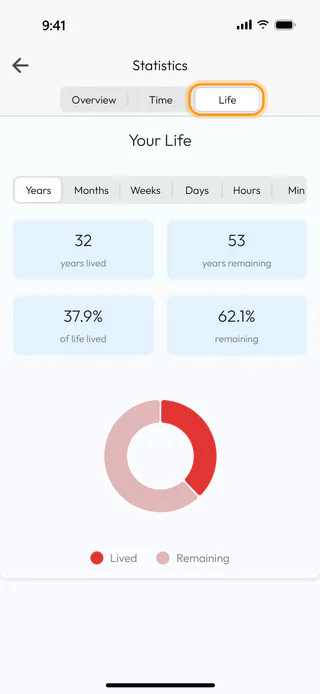
On the home screen, tap Statistics and switch to Life. Your Life opens in Years, with 32 years lived and 53 remaining for someone born in March 1994 who expects to live to 85, and under them the same life as a share, 37.9% of it already lived.
Count it in weeks
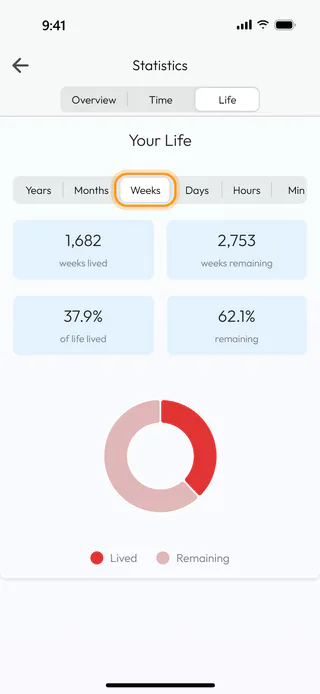
Tap Weeks in the row of units, and the same life reads as 1,682 weeks lived and 2,753 remaining. The shares and the ring stay as they were, since only the unit has changed. The row also holds Months, Days and Hours, and Min and Sec further along when you scroll it sideways.
What's next
Read your life in weeks lays the same weeks out as the cells of a calendar, and Choose the default life expectancy changes the number of years all of this is counted from.

